
Documentation Index
Fetch the complete documentation index at: https://fireblocks-43c4b3ee-chore-add-cli.mintlify.app/llms.txt
Use this file to discover all available pages before exploring further.
Overview
The Fireblocks Embedded Wallet solution provides a unique Full Key Takeover feature, which enables end users to export the entire private key. This optional feature makes the solution censorship-resistant since end users always have control over their private key. This is especially useful if Fireblocks or the customer goes out of business or discontinues the service. In this scenario, the end user can still access their funds and transact on the blockchain network. The Full Key Takeover feature is optional, and not all businesses may want to implement it. For those who do, it is crucial to take all necessary precautions to ensure the security of the private key.What happens after the takeover?
Following the takeover, the app developer can decide how the app reacts to the new situation. For example, the app can function as usual afterward, or this action can change the overall end-user experience. The complete private key that has been exported can be brought into any third-party wallet application that supports private key imports, such as MetaMask for Ethereum and Electrum Wallet for Bitcoin.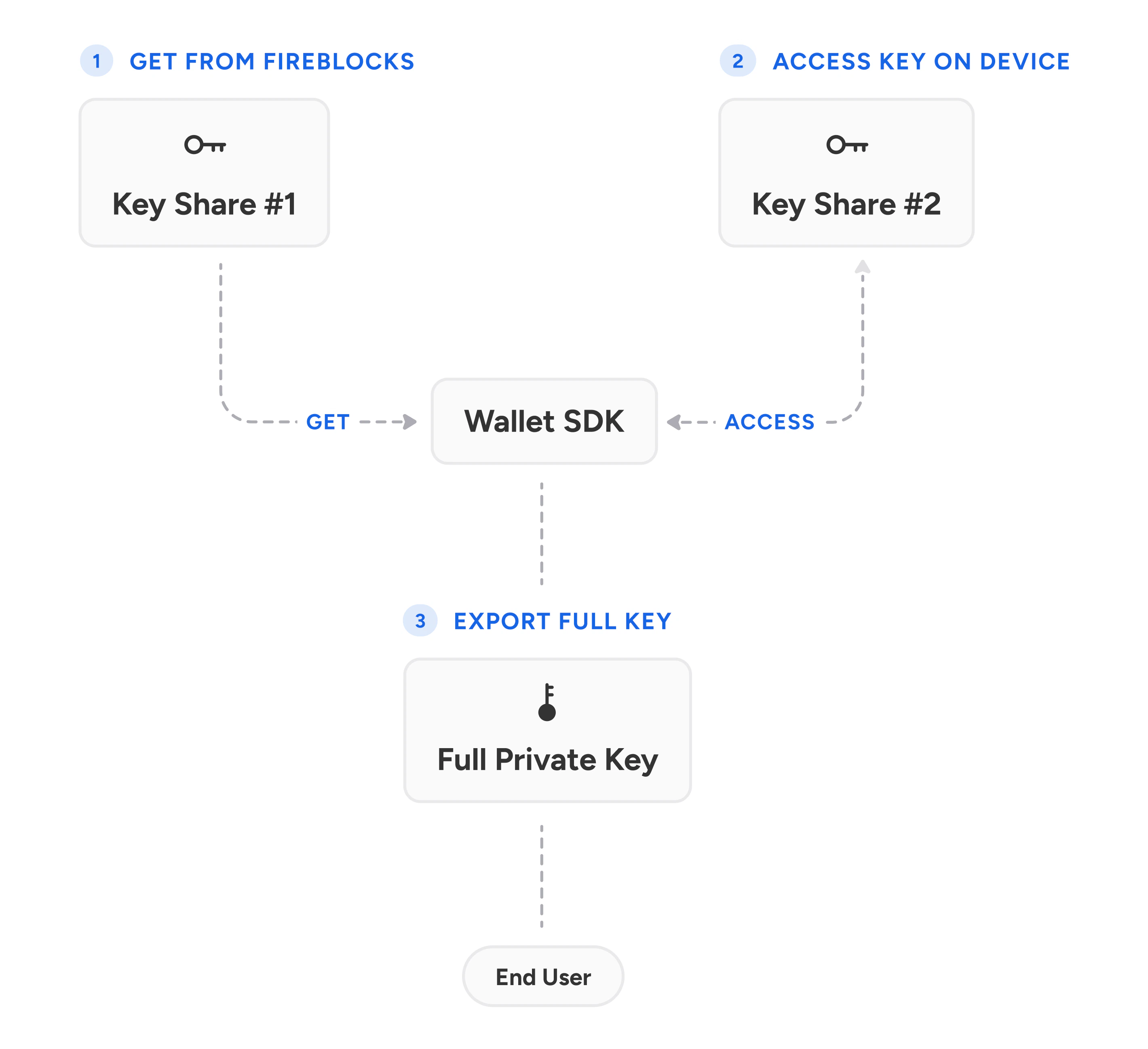
Importing the Exported Keys
The SDKs expose a takeover function. This function returns the keys facilitated by the wallet, which can be ECDSA, EdDSA, or both. The result of the takeover includes extended public and private keys.ECDSA Extended Keys
The public and private ECDSA keys can be derived for each asset in the wallet. Our GitHub demos demonstrate how to derive the keys. After you derive them:- You can import EVM keys to Metamask.
- You can import Bitcoin keys to Electrum using the WIF format.